The prompt that shows the guardrail working
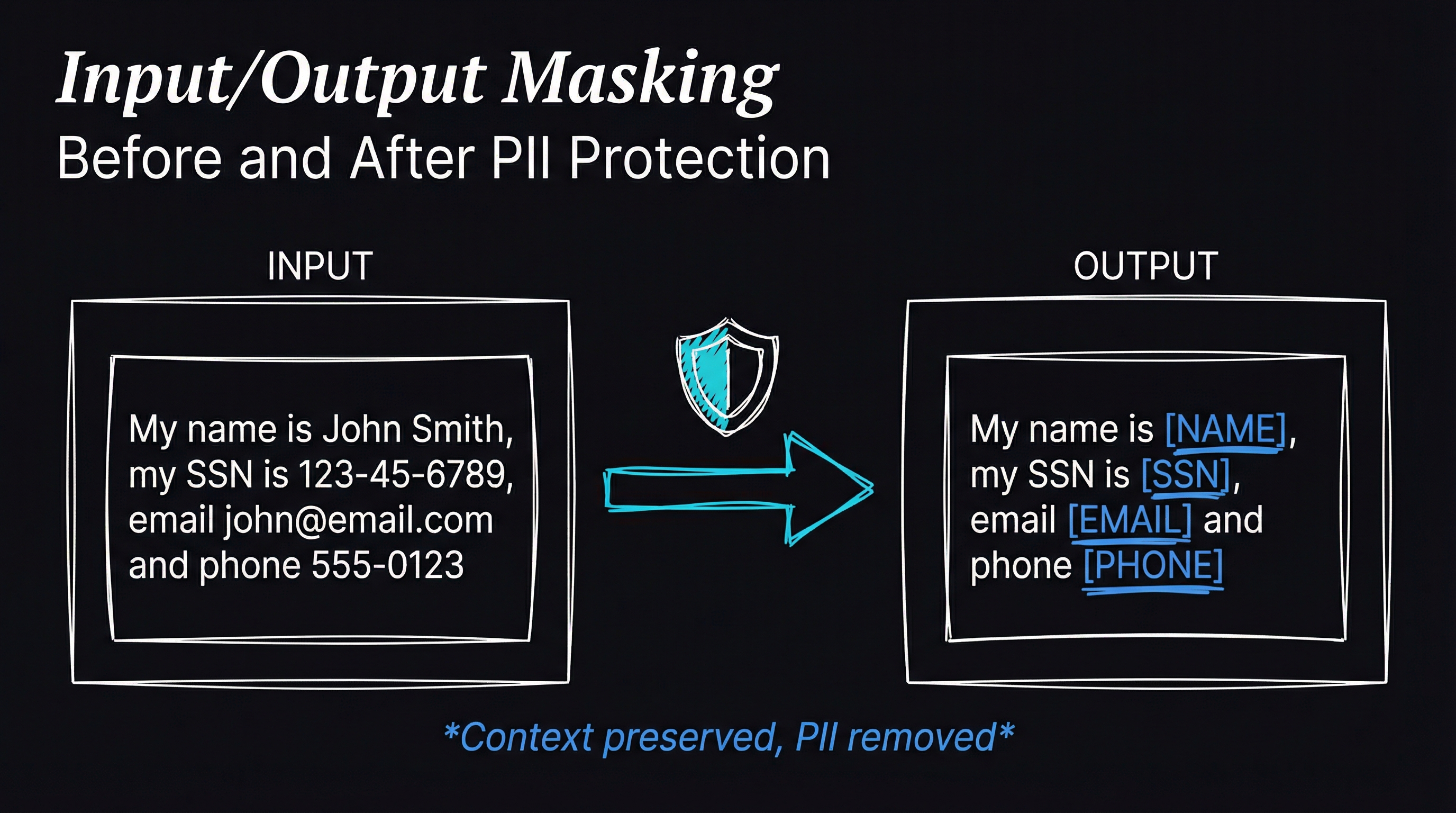
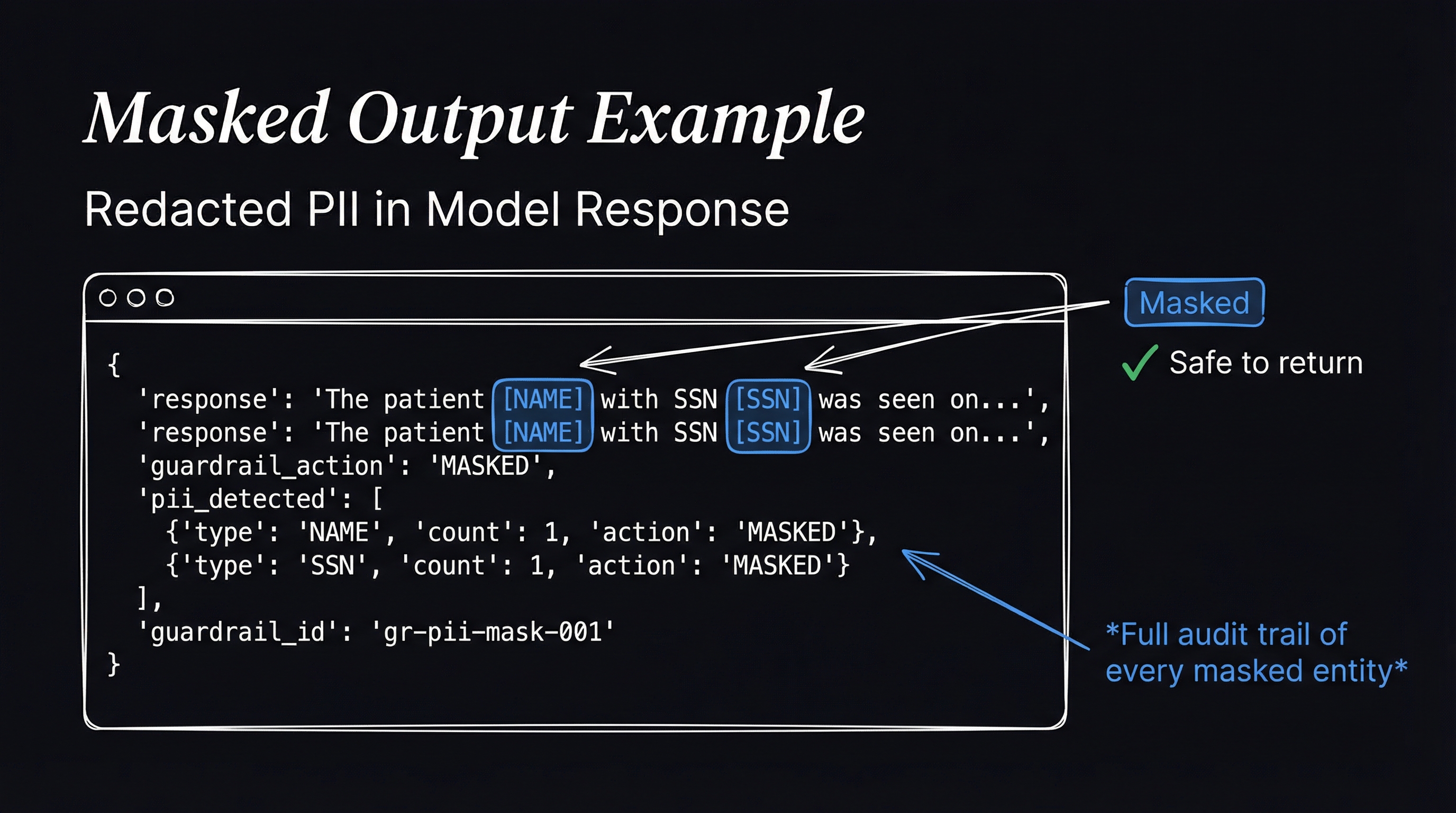
Run Hi, I am John how i can i help you? in the Bedrock test panel. The response masks the name with NAME.
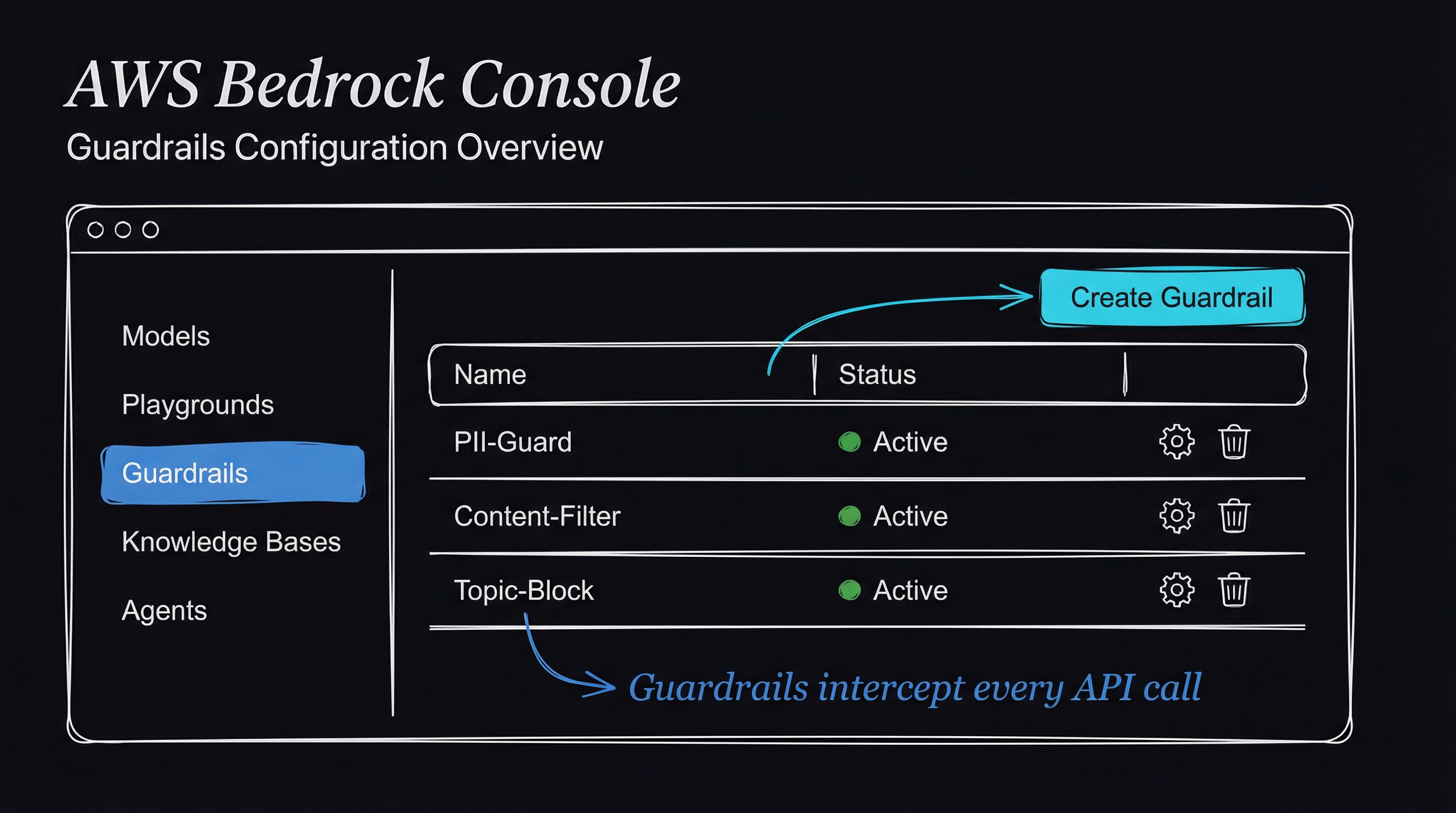
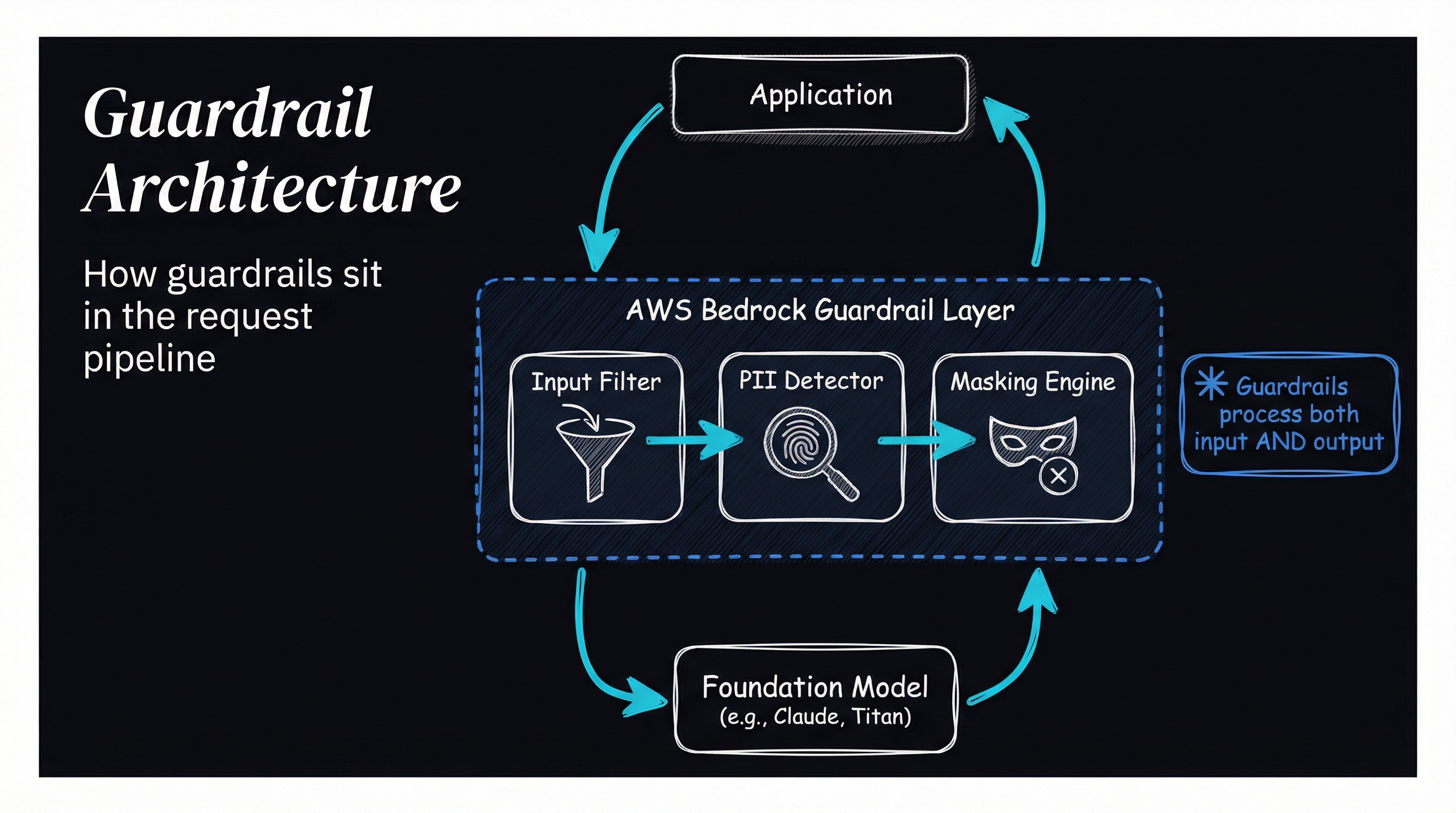
That is the control this lab configures. Amazon Bedrock Guardrails are a set of controls within Amazon Bedrock for improving the safety, compliance, and overall quality of interactions with AI models. They let organizations define and enforce content policies so deployed models follow specific guidelines and avoid generating inappropriate, sensitive, or off-topic content.
There are six separate controls to work with:
- Content filtering automatically classifies and filters harmful or inappropriate content based on predefined categories such as hate speech, violence, and sexual content. This ensures that AI models do not engage in or propagate harmful interactions.
- Denied topics lets an organization define specific topics to block in user inputs and model responses. This allows it to prohibit discussions around sensitive or restricted subjects, enhancing compliance with organizational policies.
- Word filters block or mask specific words or phrases in both user inputs and model responses. They can use a predefined profanity list or custom lists tailored to the organization.
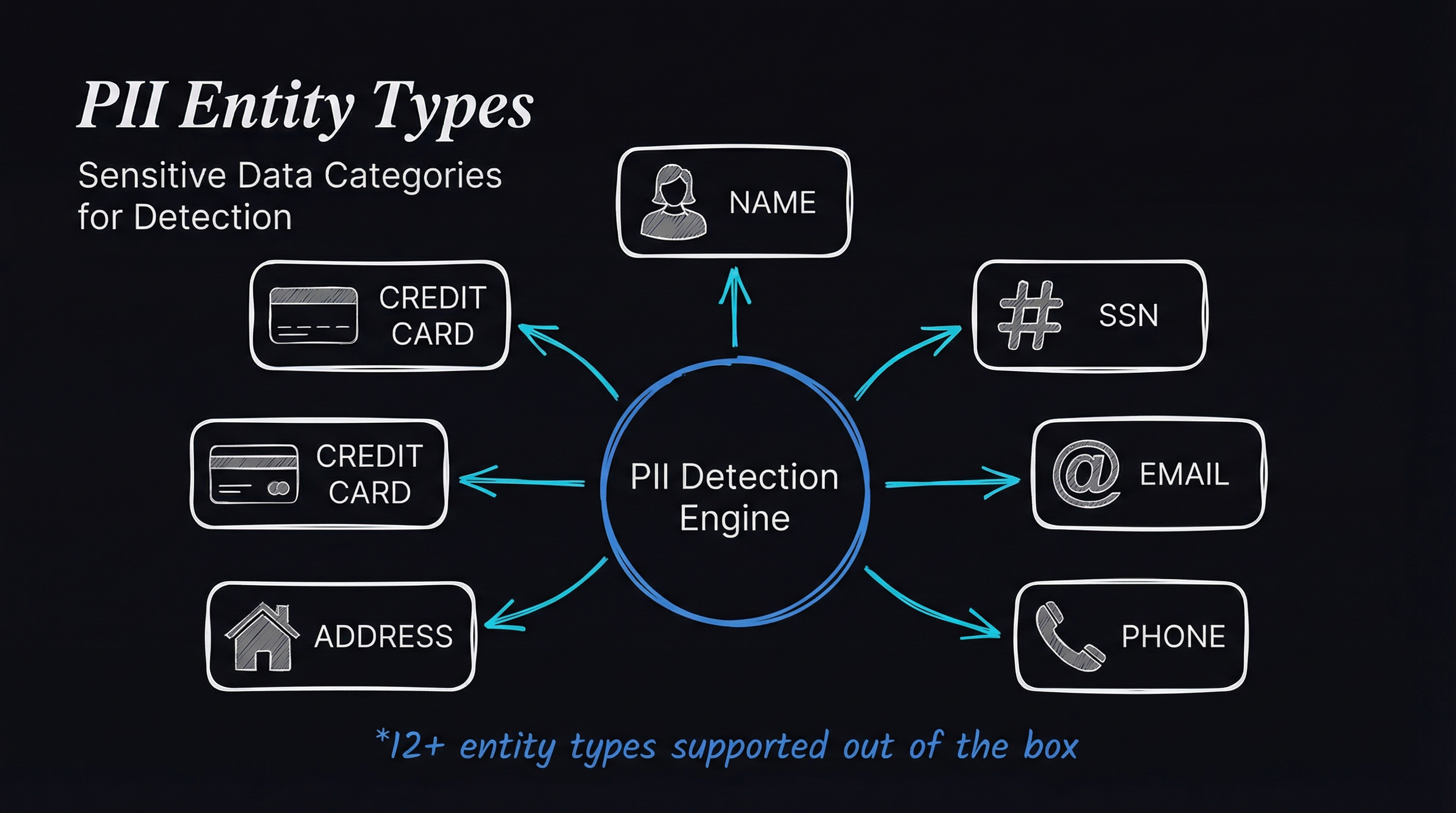
- Sensitive information filters redact or mask personally identifiable information (PII) and other sensitive data using predefined types or custom regular expressions (RegEx). This helps protect user privacy and comply with data protection regulations.
- Custom messaging lets an organization define custom messages for blocked prompts and responses, supplying clear, consistent feedback when content is filtered or denied. This ensures transparency and helps maintain a positive user experience.
- Testing and tracing uses built-in tools to evaluate user prompts and model responses in real time. The trace provides detailed insights into which guardrails fired and the actions they took, enabling continuous improvement and fine-tuning.
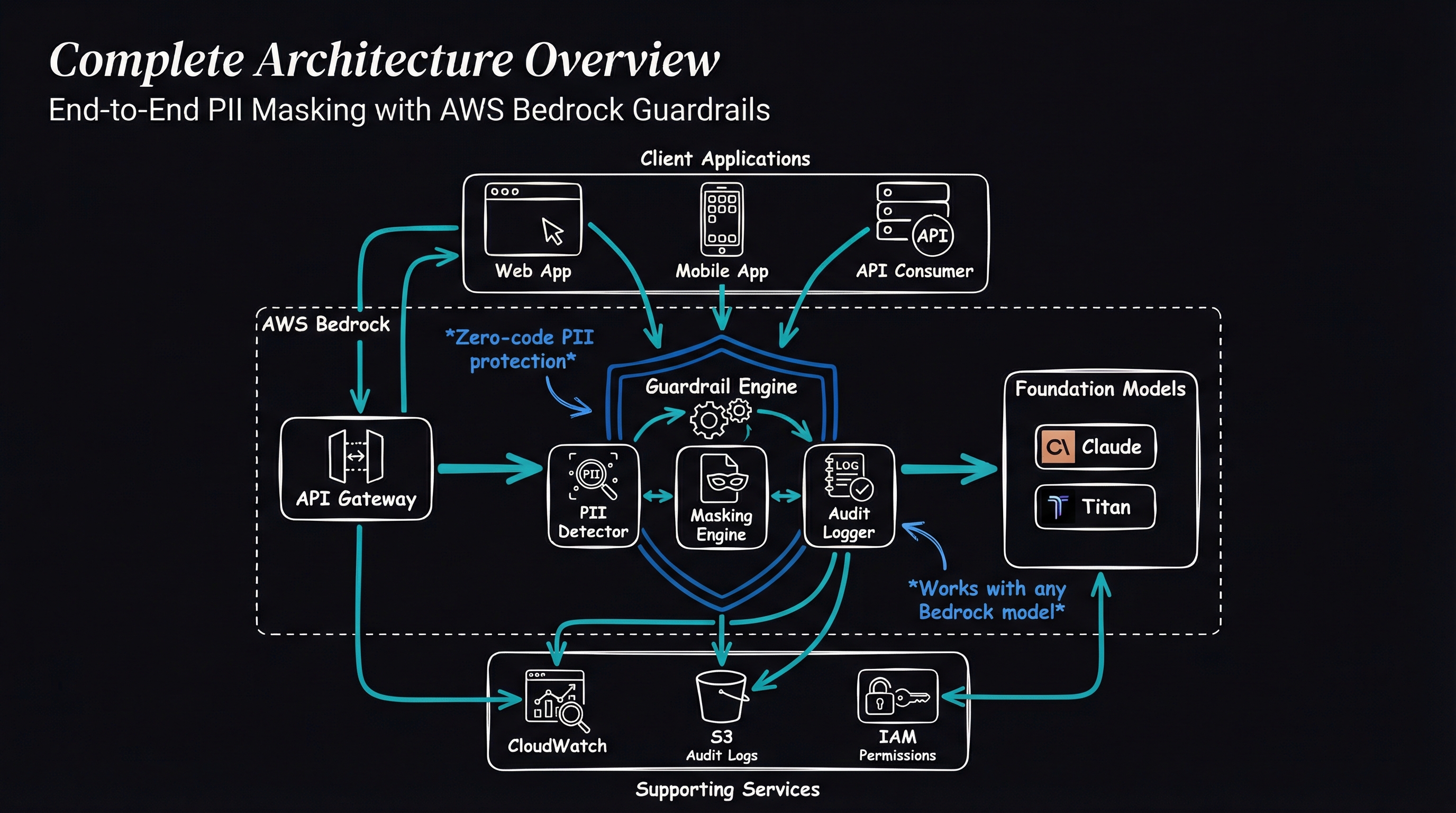
Architecture Diagram
The lab
The work is six steps: sign in to the AWS Management Console, verify access to a Bedrock foundational model, create a guardrail, add filters and blocked messaging, test it, and validate the lab.
Sign in first
Click Open Console. AWS opens the console in a new browser tab. After signing in, set the default region to US East (N. Virginia) us-east-1.
Check Bedrock access
1. Make sure you are in the US East (N. Virginia) us-east-1 Region.
2. Open the Services menu, then choose Bedrock.
3. Click Get Started.
4. In the left menu, choose Model Access.
5. Confirm that the provided model access is granted.
Create the guardrail
1. Stay in the N.Virginia(us-east-1) region.
2. In the search bar, type Bedrock and select the CloudFormation service.
3. In the left panel, under safeguards, select guardrails.
4. Click Create guardrail.
5. Name it Whiz-guardrail.
6. Click Next.
7. Continue with Next until you reach Personally Identifiable Information (PII) types.
Add the PII filters
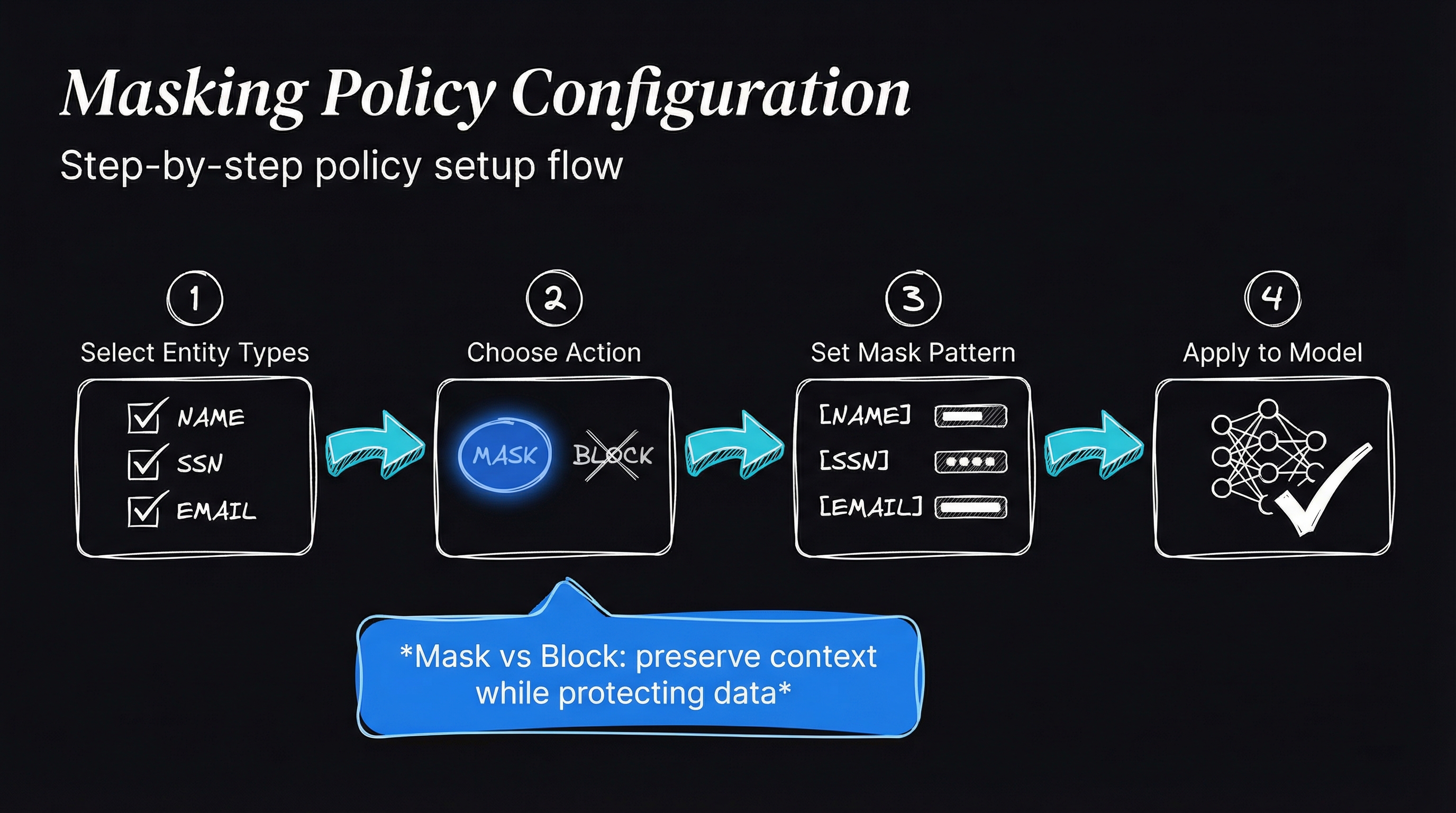
1. Under PII types, select Add new PII.
- Add PII Type = Name, with Guardrail Behavior = Mask.
- Add PII Type = Email, with Guardrail Behavior = Mask.
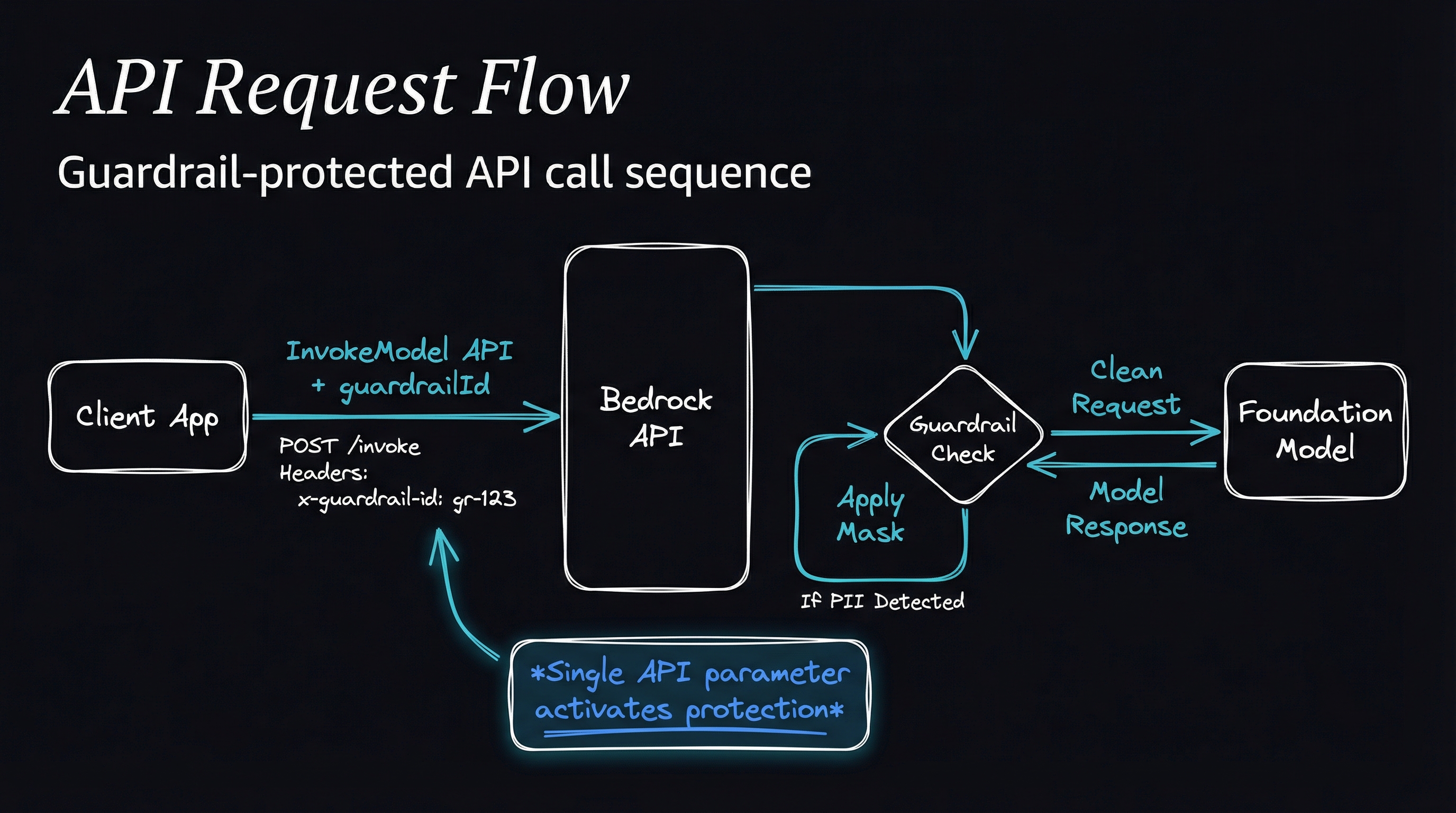
2. Add a regex pattern.
- Name: Purchase ID
- Regex Pattern: (\W|^)po[#\-]1\s1\d2[\s-]1\d4(\W|$)
- Guardrail Behavior: Mask
3. Click Confirm.
4. Click Next, then Next again.
5. Review the details and click Create guardrail.
Test it
1. From the Guardrails list page, select Whiz-guardrail.
2. In the Test panel on the right, select Select model.
3. In the dialog, choose a model.
- Select Anthropic, then Claude 2.1
- Click Apply.
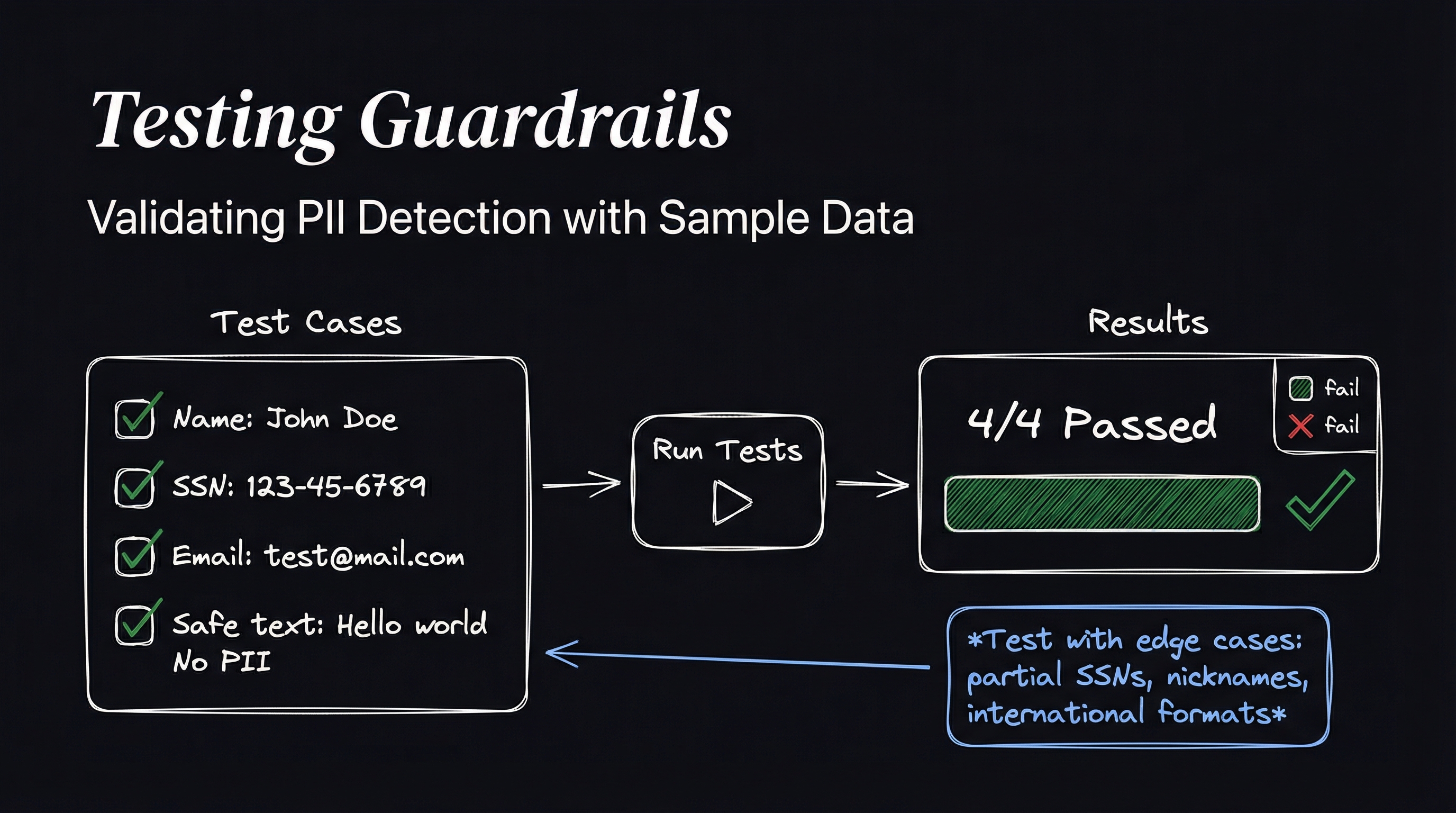
4. Put these examples in the Prompt box and run each one:
- Prompt: Hi, I am John how i can i help you?
- Click Run.
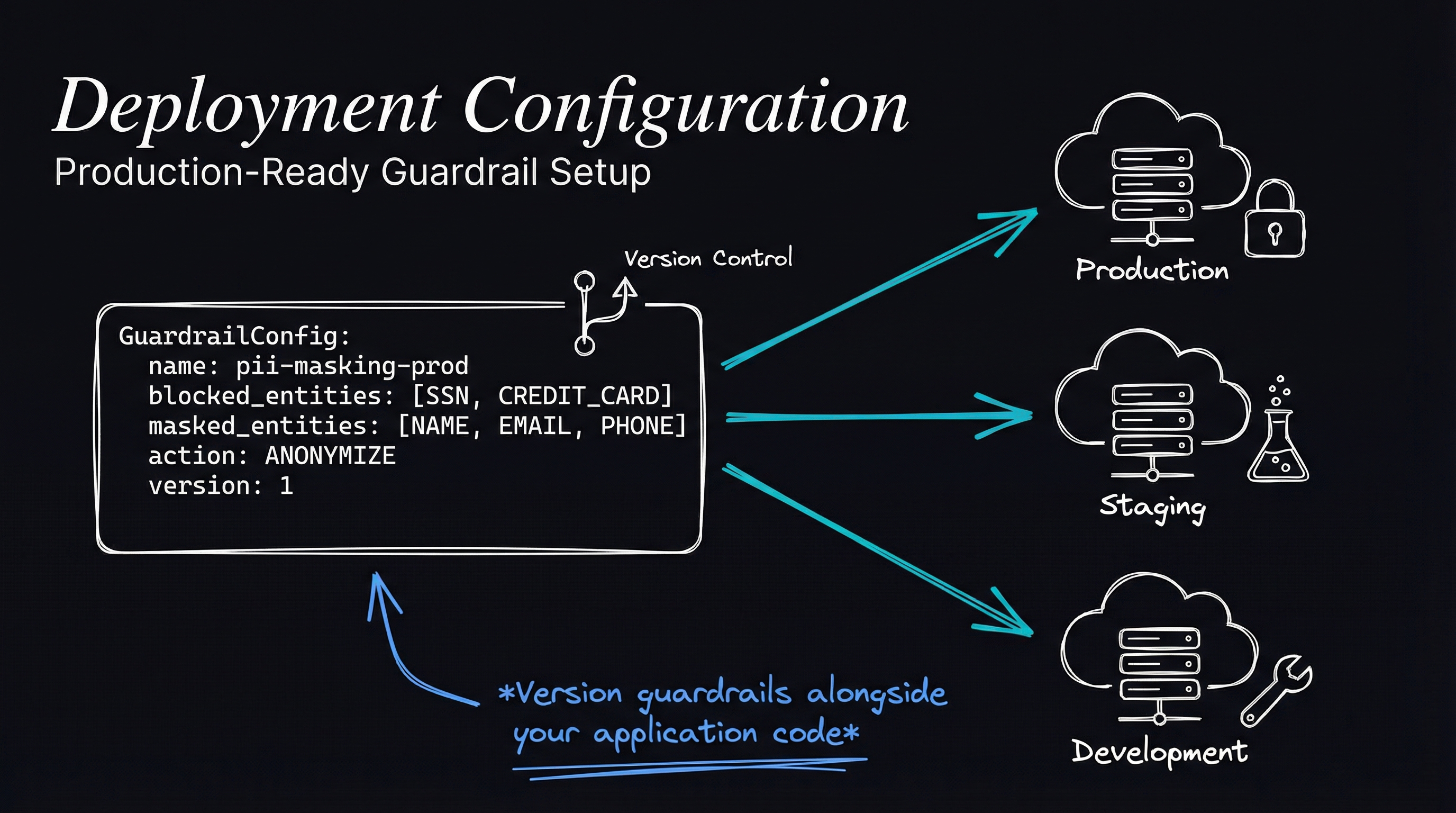
- Response: Masked the names with NAME
- Prompt: I am John, the invoice number is PO-22-1234 could you write a message for the order delay
- Click Run.
- Response: The purchase id is masked.
What the guardrail can do
Amazon Bedrock Guardrails can filter content and block sensitive information. They can also connect to custom machine learning models for content moderation. Those models can be trained to detect and manage content or behavior specific to an application, providing a customizable safeguarding solution.
Reference: https://business.whizlabs.com/learn/course/aws-certified-ai-practitioner