I found PAI the way you find out someone else already named the thing you’ve been calling “that config folder.”
I was on my third rebuild of a CLAUDE.md that had gotten too long to scan — again. I had a skills/ directory I’d been filling with markdown files that told Claude Code how to run specific workflows. I had a bash script called push-config.sh that rsynced the whole mess to my other machines. It worked, mostly. Sometimes a machine would drift and I wouldn’t notice until I asked Claude to do something and got a blank stare.
Then I landed on Daniel Miessler’s Personal AI Infrastructure repo and read through the README. Operating modes. A skill system. Memory structures. An opinionated CLAUDE.md layout. I had built fragments of every single one of these — modes I’d called “quick” and “full,” skills I’d organized differently on every machine, a memory approach that was really just me dumping context into markdown files and hoping I’d find them later.
PAI gave me the vocabulary and the shape. More than that — it told me I wasn’t crazy for wanting Claude Code to behave like a persistent environment instead of a per-session scratchpad. I did not study PAI and then build toward it. I built independently, hit the same walls, solved them in similar ways, and then found PAI with better names for everything. The convergence was more valuable than if I had started with the framework because I understood why each piece existed, not just that someone told me it should.
What PAI gave me
PAI is a framework for wiring Claude Code into a personal AI operating system. It is not a SaaS or a wrapper. It is a set of conventions for organizing config files that Claude reads at startup.
The core pieces are:
- Operating modes — Every response uses one of three formats: NATIVE (a quick task, a few lines), ALGORITHM (multi-step work with phases and verification), or MINIMAL (acknowledgments). Sounds cosmetic. It isn’t. Before modes, I’d ask Claude a yes/no question and get back a design document. Modes enforce the right level of effort for the ask.
- Skill system — User-level skills live in
~/.claude/skills/and load automatically in every project. A skill is a markdown file, not a script. It tells Claude how to do something the same way every time. Write it once, it’s available everywhere. - Memory — GCC-style memory (COMMIT, BRANCH, MERGE, CONTEXT) lets the AI carry reasoning across sessions without dumping files into your project repo. If you’ve ever explained the same architectural decision to Claude three times in three different sessions, you know why this matters.
- Algorithm v3.5 — A 7-phase execution loop (OBSERVE → THINK → PLAN → BUILD → EXECUTE → VERIFY → LEARN). Complex tasks stop being “Claude, fix this” and start being trackable work with checkpoints.
PAI works on its own before a deployment layer enters the picture. The practical sequence starts by installing danielmiessler/Personal_AI_Infrastructure, using it for a week, and only then adding a deployment layer. That week shows which pieces see real use and which ones do not.
PAI deliberately leaves out a way to manage this config across multiple machines, version it in git, or deploy it automatically after a change.
I hit that gap within about four days.
The missing deployment layer
I use Claude Code on four machines — a Mac, a Linux devbox, a production server, and a playground box. I would edit a skill on the Mac, push it to one machine, forget the other three, and then wonder why Claude behaved differently on devbox.
The claude-agent-stack repo fills the gap with three pieces:
| Layer | What it does |
|---|---|
| Git versioning | All config in one repo — skills, hooks, agents, CLAUDE.md |
| deploy.sh | Rsync to local and remote machines on demand |
| GitHub Actions CI | Push to main → runners on each remote machine auto-deploy |
The deploy mechanism is intentionally boring. deploy.sh is ~90 lines of bash. I did not add Ansible, Docker, or another system to maintain. It rsyncs skills, hooks, agents, and CLAUDE.md to ~/.claude on the machines I specify. Remote machines run self-hosted GitHub Actions runners — background processes that watch the repo and trigger ./deploy.sh remote <host> on every push to main. My Mac runs ./deploy.sh local when I want an immediate sync. Because the mechanism is rsync, it does not care about the language or framework and works on any Unix machine. GitHub Actions runners are straightforward to set up on any machine with an internet connection.
The payoff: every machine gets identical skills, identical hooks, identical CLAUDE.md. If a skill breaks something, git revert unwinds it from the whole fleet. No drift, no “wait, which machine has the updated version?” Git also gives me diffs on config changes and a clear history of what changed and when, with commit messages that explain the reasoning behind each change. The best infrastructure is the one you forget is there. After setting all of this up, I do not think about it. Claude Code behaves the same way on every machine. Skills stay in sync. Changes propagate without me touching anything. The deployment layer’s goal is to disappear, and for the most part, it does.
The 4-layer agent stack
Beyond deployment, the config layers an opinionated architecture for building reusable automation. I wrote about the four-layer model in the previous post.
how the deployment mechanism actually works
The four layers map onto real primitives you already know:
Skills       ~/.claude/skills/<name>/SKILL.md   — markdown loaded into context
Agents       ~/.claude/agents/<name>.md          — scoped Claude personas/workflows
Commands     ~/.claude/commands/<name>.md        — slash-commands Claude executes
Justfile     project-root/justfile               — human entry point (just ui-review)
Deploy loop: deploy.sh is ~90 lines of bash wrapping rsync -av --delete. It targets ~/.claude/ on each machine via SSH. Self-hosted GitHub Actions runners on each remote box listen on main — a push event triggers ./deploy.sh remote <host>, so all machines converge within seconds of a git push. No Ansible, no Docker, no Kubernetes — just rsync and a runner process.
Why this holds up: skills are pure markdown, so the “install” is a file copy. Claude Code reads ~/.claude/skills/ at session start; there’s nothing to compile or restart. The whole pipeline is:
# add a skill, deploy everywhere
cp new-skill.md ~/.claude/skills/
git add -A && git commit -m "add: new-skill" && git push
# runners on each box: rsync fires, skill is live next session
Try it: clone the claude-agent-stack, run ./deploy.sh local, then open Claude Code and type / — your new commands appear immediately. Skills registered this way survive project switches and machine reboots because they live in the user config dir, not a project.
The Playwright-based playwright-bowser skill is a good concrete example: the skill markdown describes how Claude should invoke Playwright (via a CLI wrapper), so the model gains browser automation without any API key — just a Node package and a skill file.
PAI defines the skill layer. The four-layer model adds agents, commands, and the human entry point. The deployment system keeps all of it consistent across machines.
How the pieces fit
The pieces line up like this:
| Component | Source | What it provides |
|---|---|---|
| NATIVE/ALGORITHM modes | Daniel Miessler’s PAI | Consistent response structure |
| Skill system design | Daniel Miessler’s PAI | User-level skills that load everywhere |
| Algorithm v3.5 | Daniel Miessler’s PAI | 7-phase structured execution |
| Skills → Agents → Commands model | Indie DevDan | Composable automation architecture |
| deploy.sh + GitHub Actions CI | This repo | Multi-machine consistency via git |
| 27 custom skills | This repo | BugBot, DevFlow, BlogWriter, etc. |
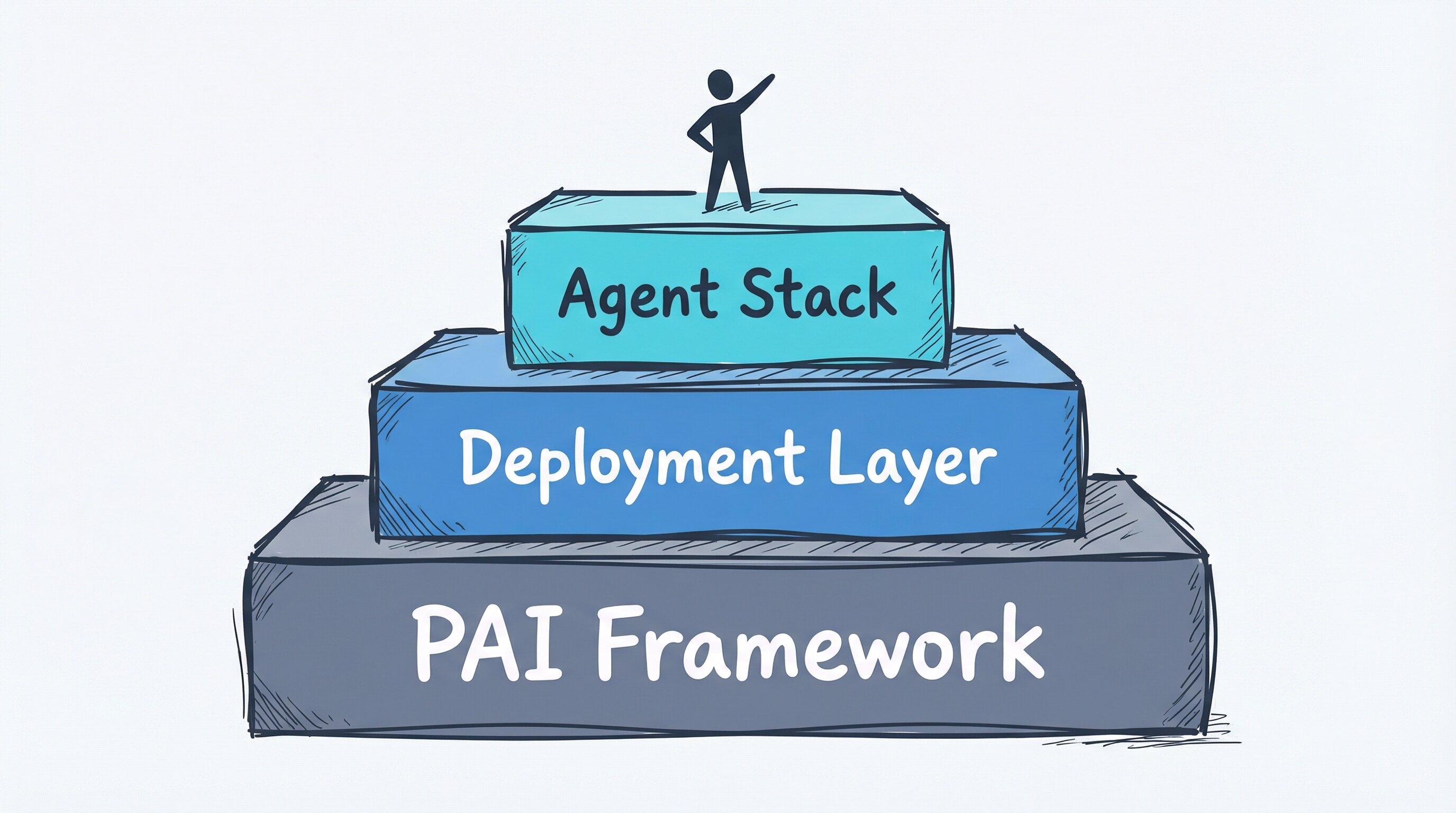
PAI alone does not provide the whole setup. PAI is the operating system for the AI’s brain. The 4-layer model provides structured ways to build and invoke automation. The deployment layer carries the setup across machines.
Exactly one of these three pieces was original work. The other two were good ideas I recognized and wired together.
Why I published it
The private repo has things that only make sense on my network: machine hostnames, internal service URLs, and skills wired to my specific infrastructure. Those skills stay private. The generic ones — code review methodology, research patterns, and blog writing guidelines — go into the public version. It strips every private detail and keeps what’s reusable: a CLAUDE.md template, a sanitized deploy.sh, and 27 skills that work in any context. The public repo is a starting point, not a product to install and leave alone. Its structure is meant to be copied while the CLAUDE.md is rewritten around the user’s stack, machines, and preferences. Writing the public README forced me to explain concepts I had stopped noticing. It surfaced two design decisions I had made for dumb reasons and one assumption about what was “obviously generalizable” that was not.
I published it for a simple reason: if the setup saves someone the weekend I spent figuring out the wiring, it was worth publishing. PAI is public. The 4-layer model is public. The deployment layer — the piece that makes it all survive across machines — was missing from both public resources.
If you build something on top of it, I genuinely want to hear about it. The interesting work isn’t in running someone else’s skills. It’s in how you adapt them to your stack, which commands you write for your workflows, what your justfile looks like after six months of real use.
Tools used: Claude Code by Anthropic. Framework: Personal AI Infrastructure (PAI) by Daniel Miessler. Architecture: Indie DevDan’s 4-Layer Bowser System. CI/CD: GitHub Actions. Source: claude-agent-stack. Built with Claude Code by Anthropic.